Devices
A teleprompter app for iPad, with room to breathe
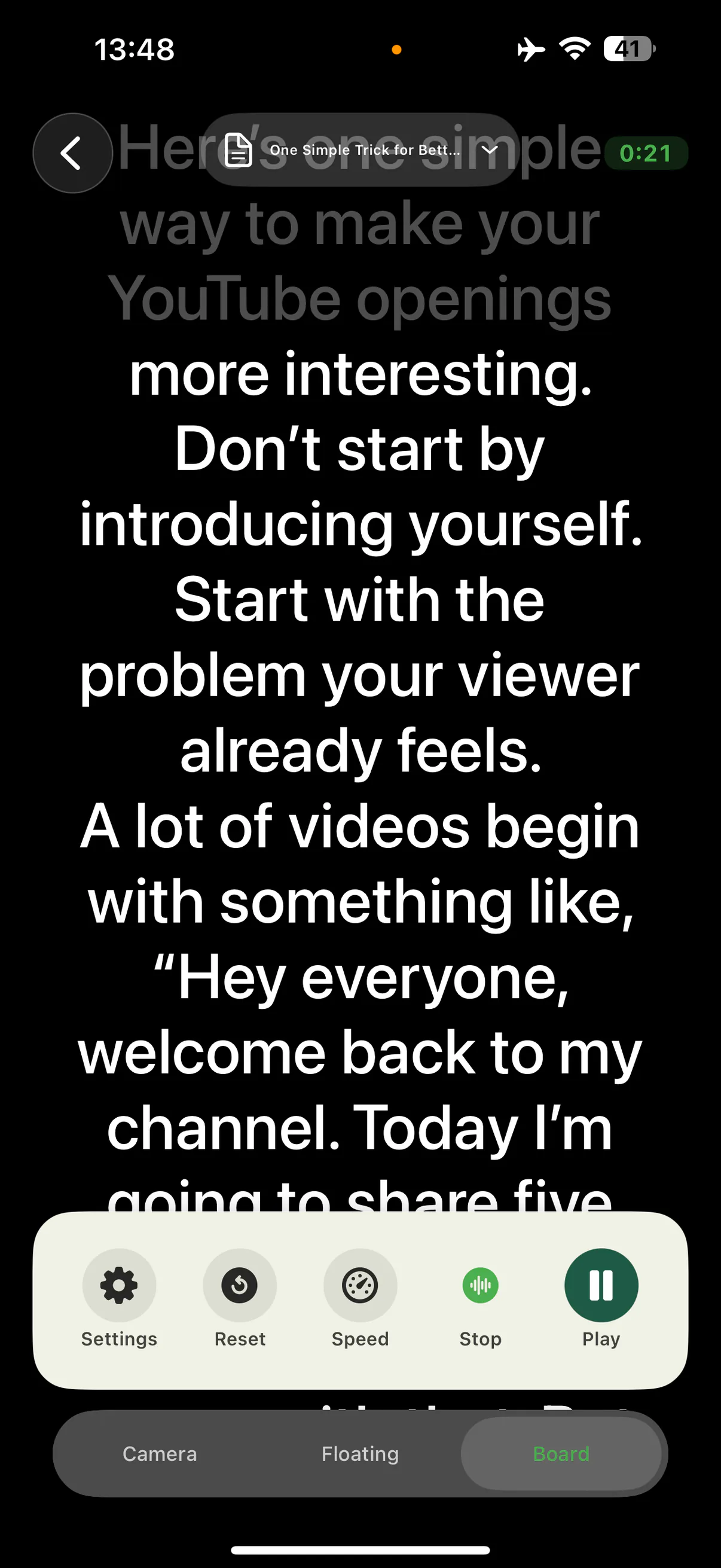
Long lessons and presentations deserve a bigger script. AI Teleprompter on iPad gives you a wide, comfortable prompt, your material and camera side by side, and the same voice-following scroll that waits when you pause. Requires iPadOS 18 or later.
Last reviewed
Why record from an iPad
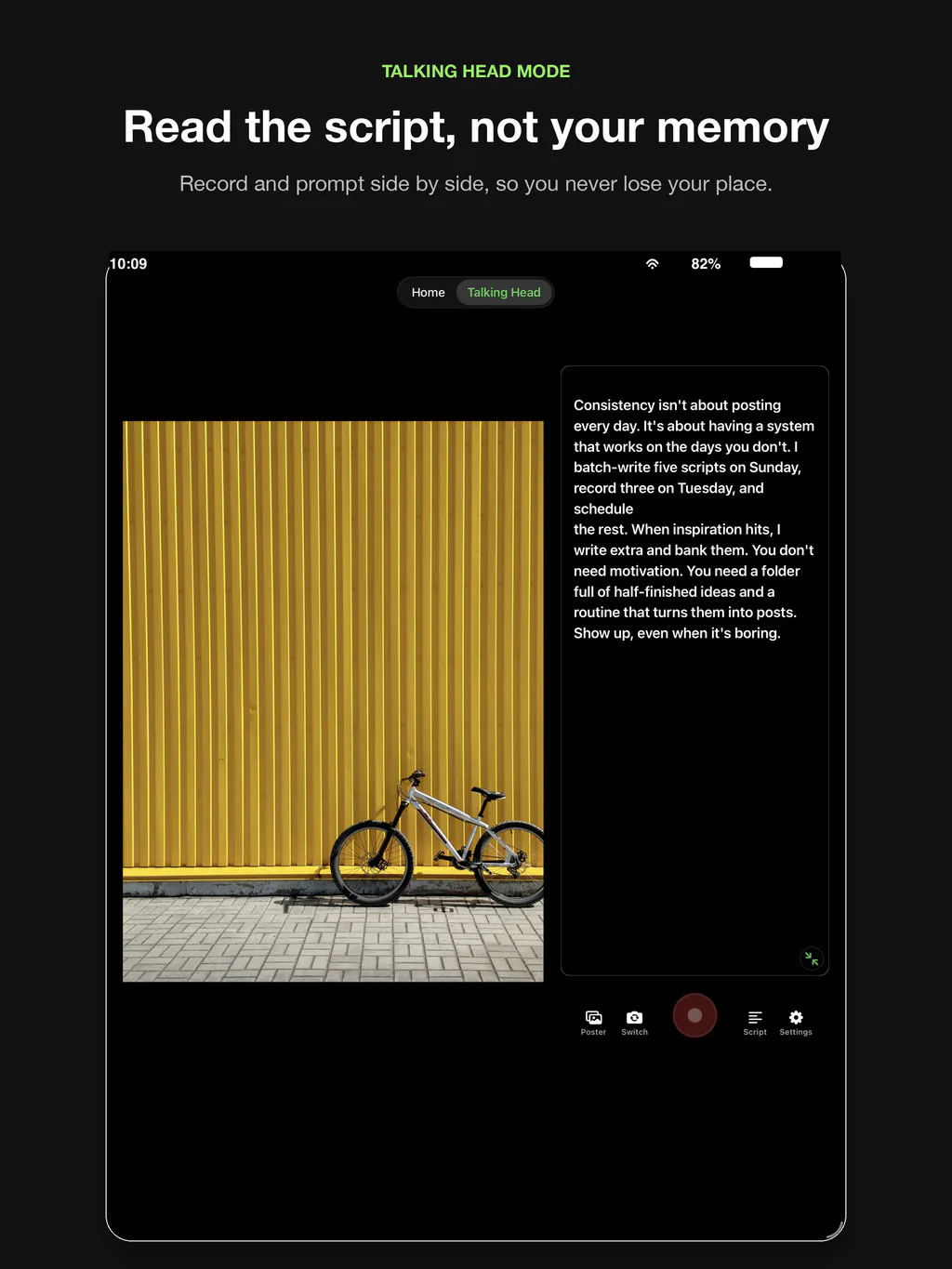
The iPad screen fits more of the script at a comfortable reading distance, which matters for hour-long lectures and detailed walkthroughs. Material and prompt sit side by side, so you can watch your poster pages while your spoken script scrolls.
The larger device also sits more naturally on a desk mount or tripod adapter, which suits the sit-down recording setups that course creators and presenters actually use. Feature parity is real: everything on the iPhone version runs here, with layouts rebuilt for the bigger canvas.
Where iPad prompting shines
Lectures and courses
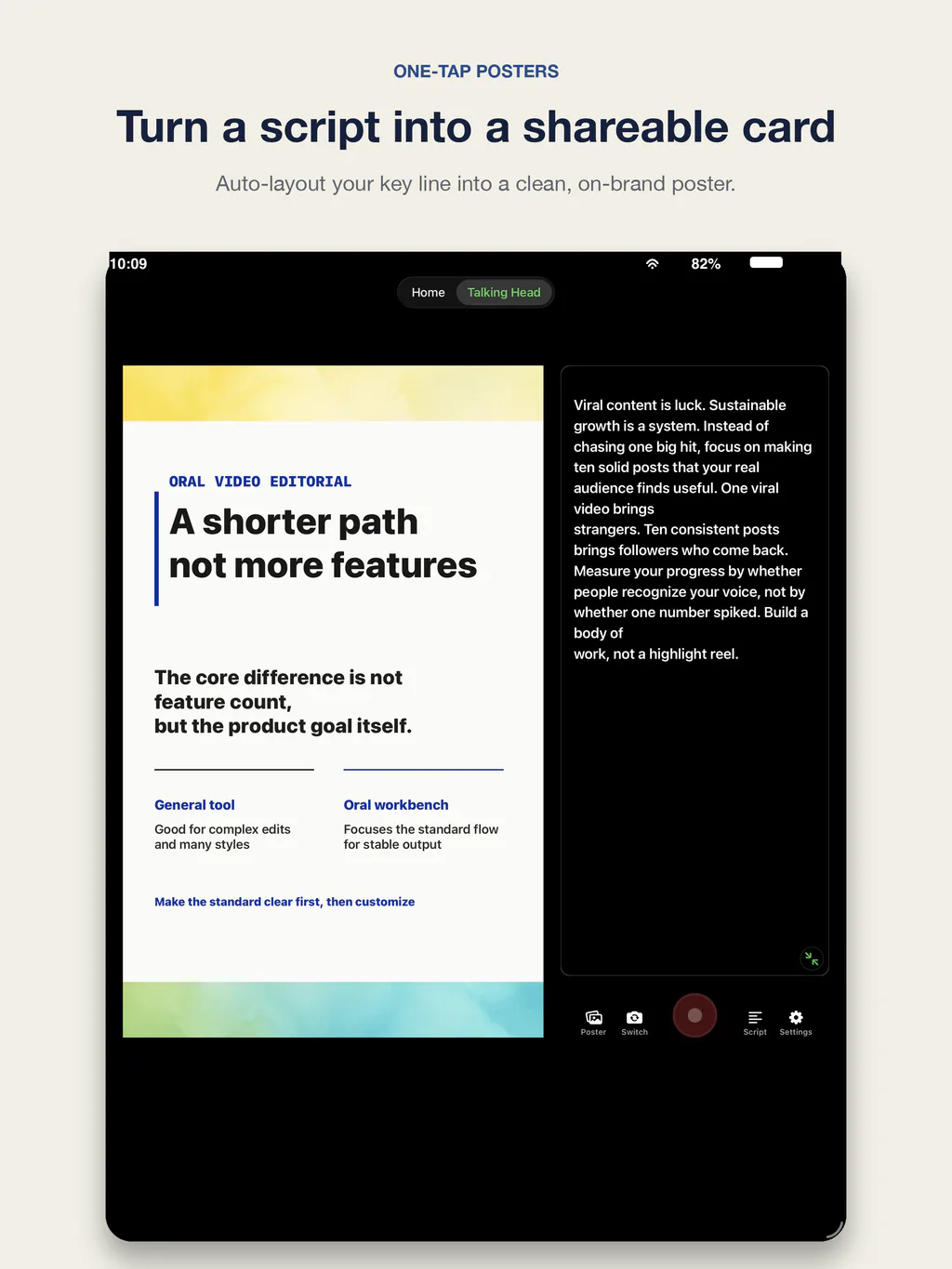
A wide prompt plus poster pages is the natural course recording setup: read comfortably, show the material, stay in frame.
Presentations
Deck pages and talk track share the screen in the presentation recorder workflow, with room for both to stay legible.
Script library management
Search, colors, and long scripts are simply easier to manage on a bigger screen before recording day.
Desk recording setups
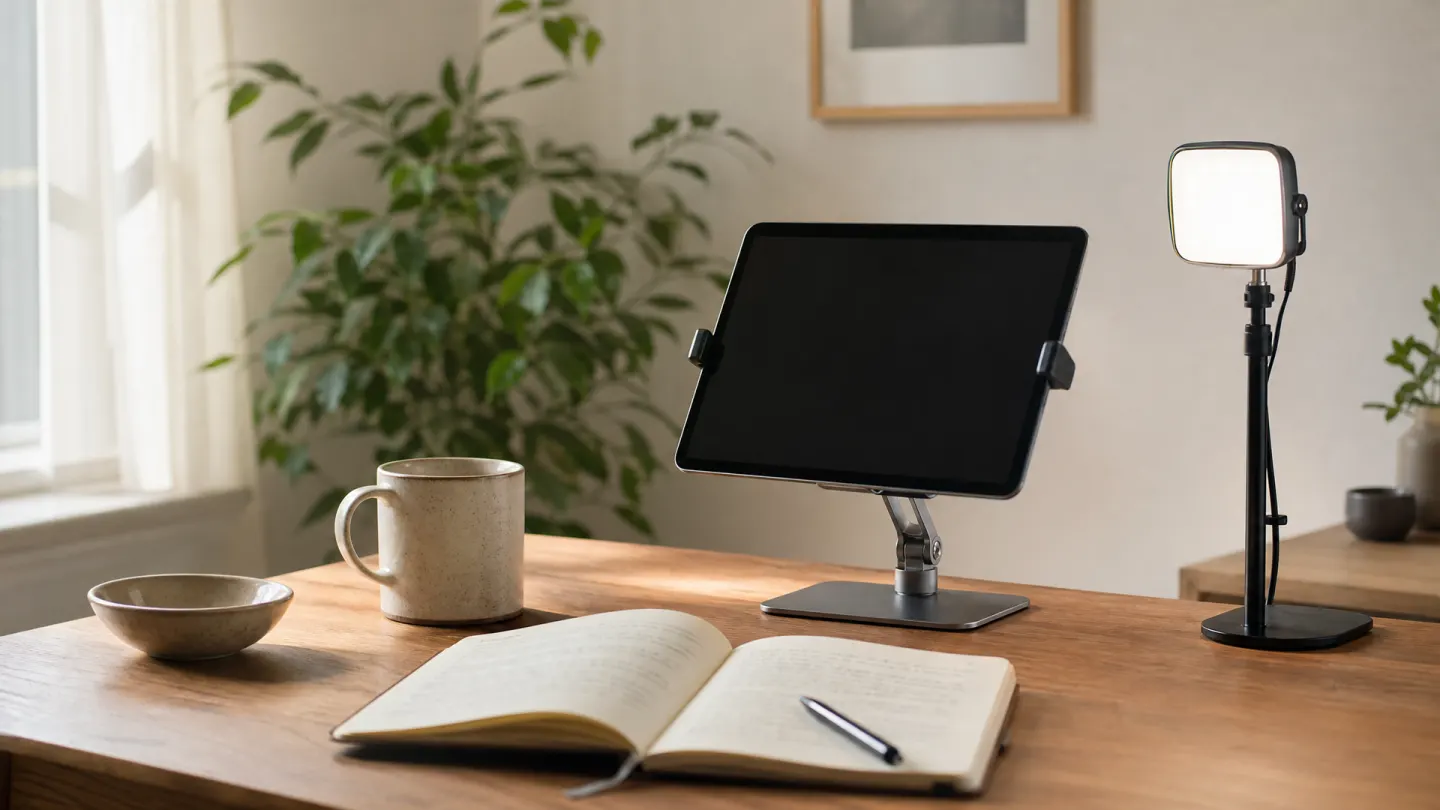
Pair with a stand at eye level and the reading distance stays honest, which keeps eye movement minimal on camera.
Compatibility
AI Teleprompter requires iPadOS 18 or later, which covers iPad (8th generation) and newer, iPad Air (3rd generation) and newer, iPad mini (5th generation) and newer, and all iPad Pro models that run iPadOS 18. One purchase covers iPhone and iPad with the same app.
Screen size changes how much script you see at once, not what the app can do. An iPad mini prompts the same way an iPad Pro does; the larger canvas simply means fewer scroll events per minute and a longer comfortable reading distance, which is the part that keeps your eyes still on camera.
- Requires iPadOS 18 or later
- iPad (8th generation), iPad Air (3rd generation), iPad mini (5th generation) and newer
- Side-by-side script and material in talking-head mode
- Voice-following, fixed-speed, and manual scrolling
- One purchase covers both iPhone and iPad
iPad teleprompter FAQ
Does AI Teleprompter work on iPad?
Yes. The same app runs on iPad with layouts adapted to the larger screen: wider prompts, side-by-side material and script, and the full recording workflow.
Which iPads are supported?
Any iPad running iPadOS 18 or later, including iPad (8th generation) and newer, iPad Air (3rd generation) and newer, iPad mini (5th generation) and newer, and supported iPad Pro models.
Do scripts sync between iPhone and iPad?
Scripts and recordings are stored primarily on the device. If you move between devices, bring your documents via Files or AirDrop and import them on the second device.
Is Voice Sync available on iPad?
Yes. Voice Sync, fixed-speed, and manual scrolling all work on iPad exactly as they do on iPhone.
Can I read a PDF and record at the same time on iPad?
Yes. Import the file through PDF Teleprompter and it becomes either a scrolling script or a set of poster pages. On iPad the pages and the prompt fit on screen together, which is why lecture and deck recording usually happens here rather than on the phone.
Is the iPad teleprompter app a separate purchase?
No. It is the same app and the same purchase. Download it once and it runs on both iPhone and iPad.
Record your next video with AI Teleprompter
Download on the App Store and check the available trial. Record inside the app to export your video without the prompt.